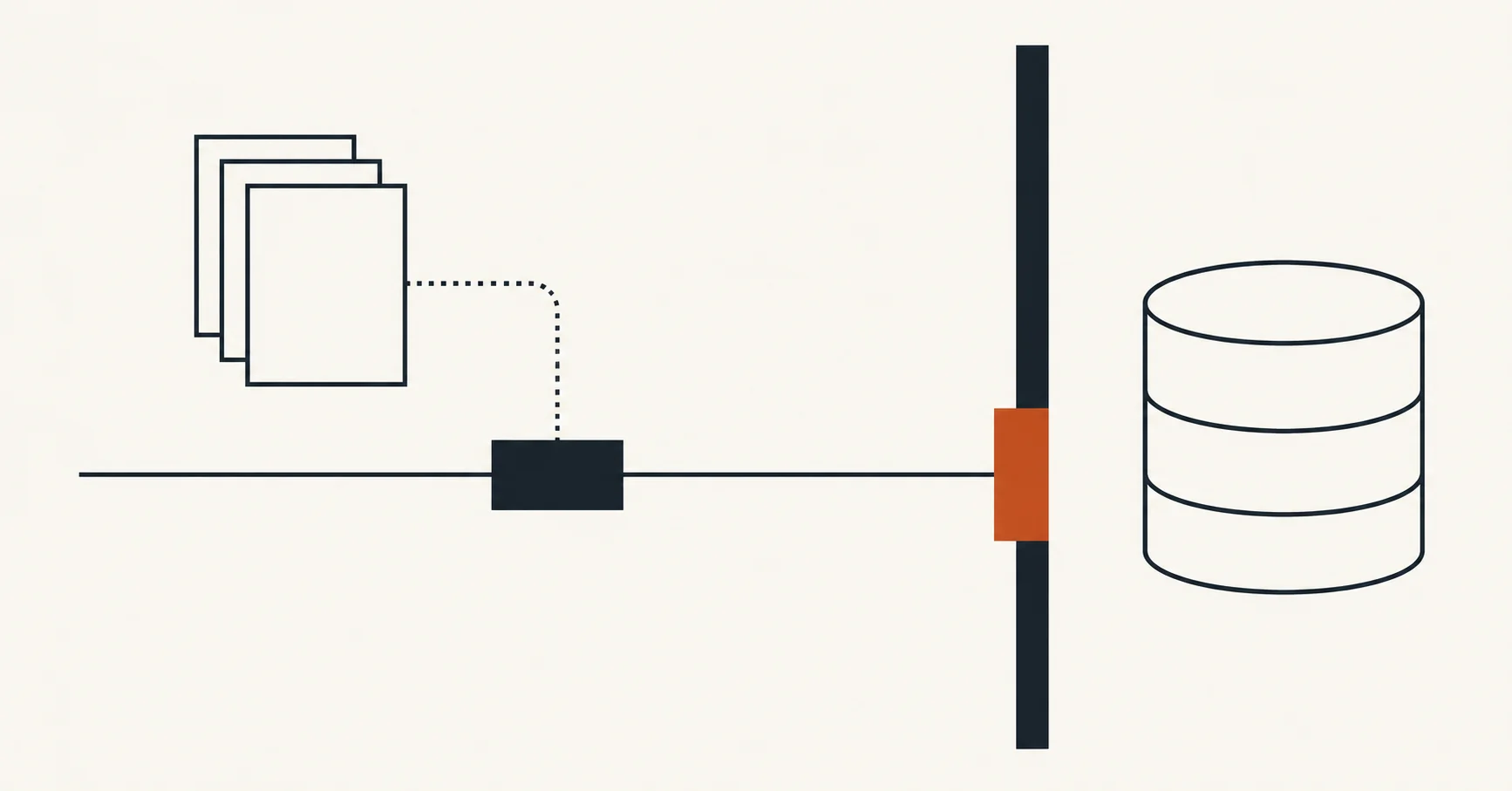
A prompt can tell an agent to stop. A permission check can refuse its request. That difference becomes concrete when the agent can reach a database containing somebody else’s work.
InfoQ’s October 24 report examines these two controls in Google’s Data Agent Kit: skills that guide behavior and identity rules that govern tool calls. The underlying product is older. Google announced general availability on September 30. The useful finding in the new reporting is where each control operates, and what an operator can actually verify.
Put the Control Where the Action Happens
Think of a warehouse instruction sheet and the key to its loading dock. The sheet explains how a careful operator should work. The key determines whether the door can open. Both matter, and they answer different questions.
Google’s published data-loss-prevention skill, pinned here to the October 13 source commit, directs an agent to halt before irreversible deletion, explain the impact and obtain affirmative consent. It identifies operations such as dropping tables, broad SQL deletions and destroying encryption keys. This is a procedure carried in instructions. Its success depends on the agent applying that procedure to the action in front of it.
Google’s Identity and Access Management documentation describes a separate decision when a Model Context Protocol tool is called. MCP is the interface through which the assistant asks another service to perform an operation. An IAM deny policy can reject calls to tools that are not marked read-only, at the organization, folder or project level.
The documented condition reads api.getAttribute('mcp.googleapis.com/tool.isReadOnly', false) == false. The fallback value is false, so a missing read-only attribute also meets that condition. This makes the tool’s classification part of the authorization boundary. A reassuring explanation from the agent cannot substitute for that check.
Google says a denied write returns an HTTP client error, while the write tool can remain in the tool list. Visibility alone therefore says little about what the caller may do. The application has to explain a refusal without claiming completion.
Follow the Edges of the Permission
The policy covers Google Cloud MCP servers. Its attributes apply only to the MCP tool-call permission; project-level checking also excludes resourceless APIs. Policies using service or tool-name attributes require the Google Cloud CLI.
Those details make a difference to an architecture review. A drawing with one box labeled read-only can hide several routes to the same data. The team has to account for each route: the covered MCP server, another vendor’s server, a shell command or a separate application credential. A policy on one route establishes a property of that route. Extending the conclusion to the whole assistant requires more evidence.
Authorization also leaves a different operational question open. After a write is permitted, a timeout can obscure whether it completed. Retrying safely requires information about that operation’s result and repeat behavior. A permission decision alone cannot supply it. Treat that as a separate application design problem rather than expecting the consent prompt to resolve it.
Test the Refusal
A useful pilot can stay small. Use disposable data and the identity intended for investigation. Record one permitted read and one attempted write through the same covered MCP service. Keep the actual service response alongside the assistant’s explanation. That checks the permission boundary and the application’s handling of it.
Then inspect the routes outside that test. Identify which credentials can reach them and whether their operations receive an equivalent check. When a later task requires a write, define its approval, result confirmation and recovery path before granting that capability.
These are proposed checks, not tests performed by this publication. Neither the vendor documentation nor InfoQ’s report demonstrates enforcement in your configuration. The useful handoff to an operator is a short record showing which identity could read, which request was refused and where the next permission decision belongs.